
Get Started with SmartStore HQ
From signing up to managing orders, inventory, AI staff, and your social inbox — follow these steps to get your business running on autopilot.
Create Your Account
Download the SmartStore HQ app or sign up on the web. Enter your store name, email, and password. You can also sign in with a Passkey (WebAuthn) for passwordless access.
- Sign up with email & password
- Passkey / WebAuthn biometric login supported
- Invite staff members and assign roles (Owner, Manager, Staff)
- Multi-Factor Authentication (MFA) for added security
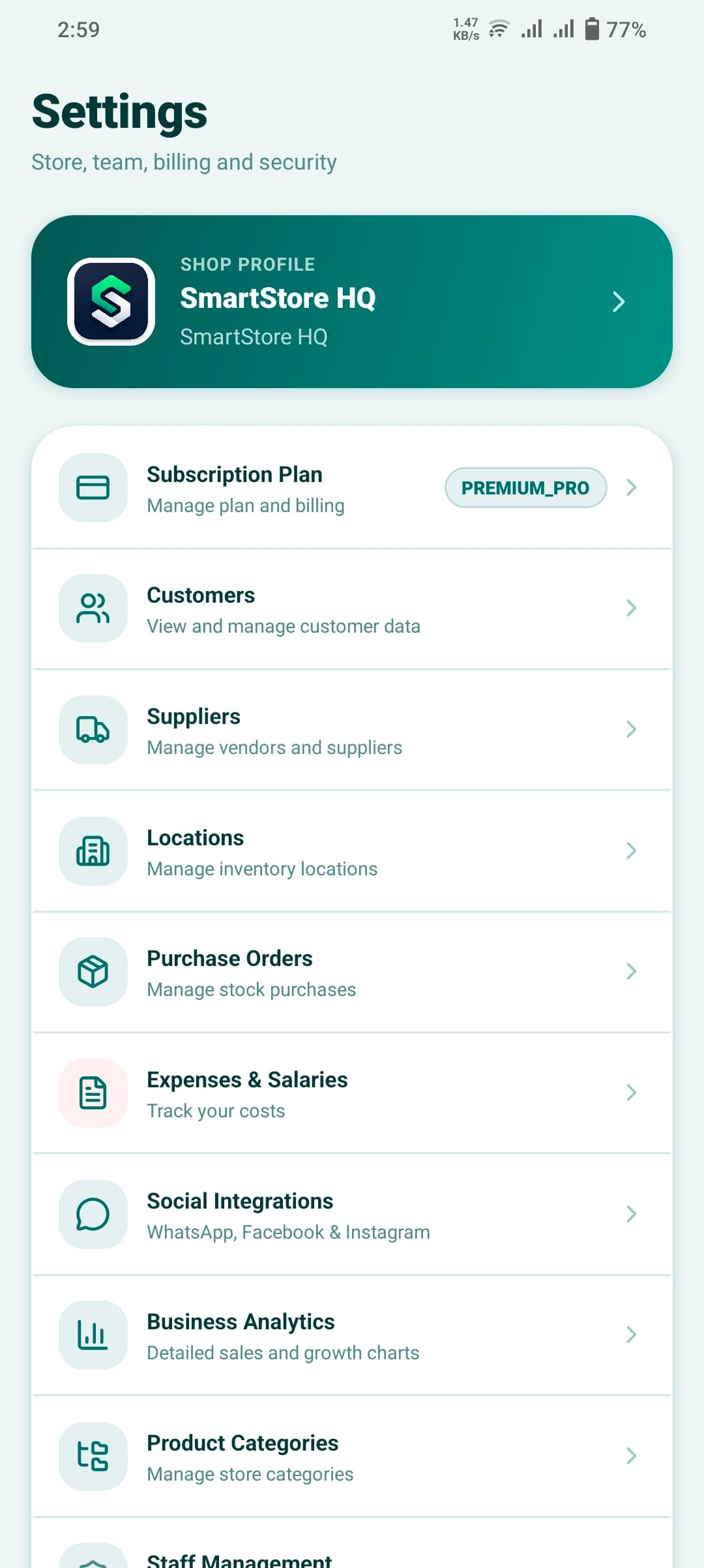
Set Up Your Store Profile
Go to Store Profile and fill in your business details — name, logo, address, currency, and business type. This configures the correct modules for your industry.
- Set store name, logo, and contact info
- Choose your business type (Retail, Restaurant, Wholesale, Pharmacy, etc.)
- Configure your currency and tax settings
- Add warehouse locations and org hierarchy (branches, cost centers)
Add Your Products & Inventory
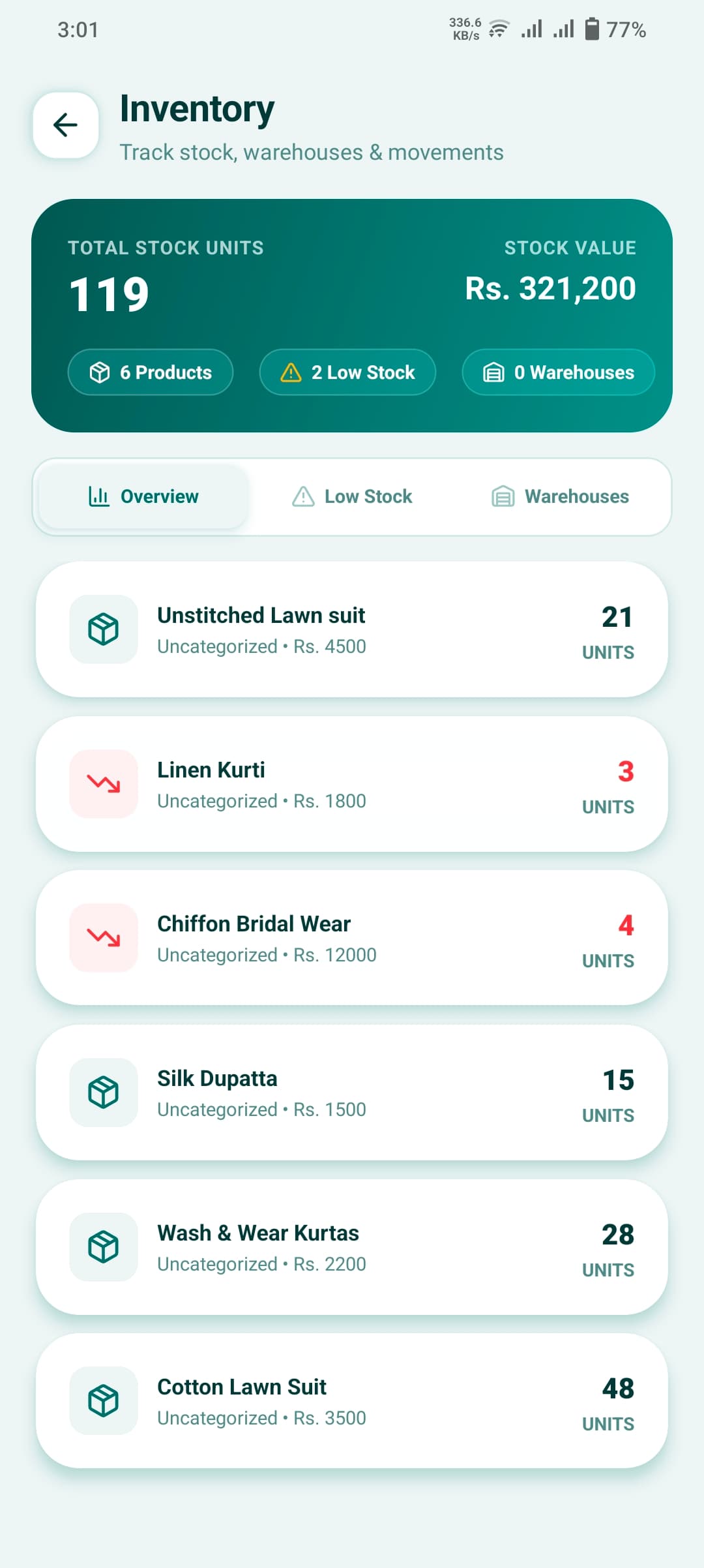
Go to Products and add your catalog. Upload product images, set prices, create categories, and configure stock levels. For pharmacies and groceries, enable Batch/FEFO expiry tracking.
- Add products with images, prices, and categories
- Set up product variants (size, color, etc.)
- Configure multi-warehouse stock per location
- Enable Batch & Expiry (FEFO/FIFO) tracking for perishables
- Create Bill of Materials (BOM) for manufacturing or recipes
- Set up B2B custom price lists and minimum order quantities (MOQ)
Connect Your Social Channels
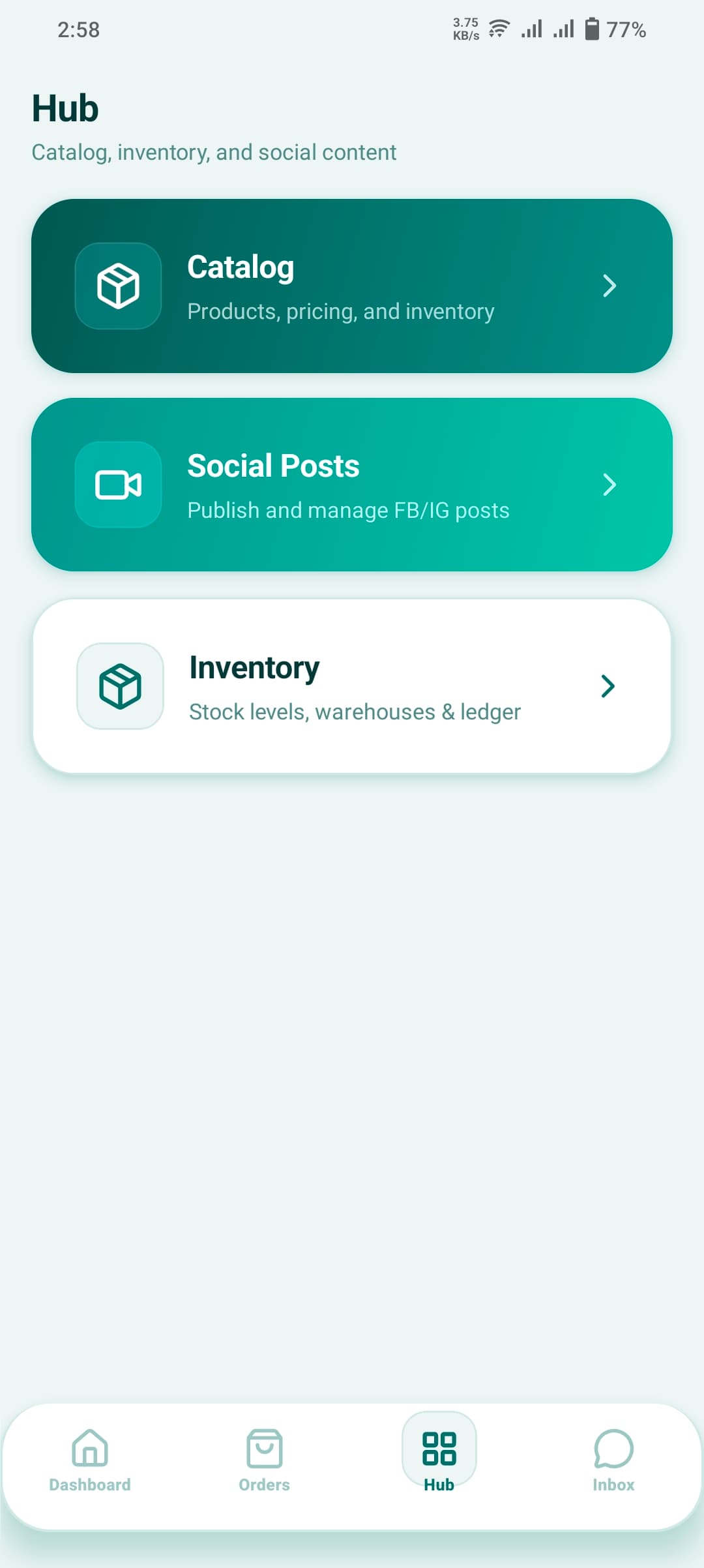
Go to Integrations and connect your Meta accounts. Authenticate your Facebook Page, Instagram Business Account, and WhatsApp Business API number. All messages will flow into your Unified Inbox.
- Connect WhatsApp Business API (Meta)
- Link your Facebook Page for Messenger DMs
- Connect Instagram Business Account for DMs
- All conversations route into one Unified Inbox
- Set up your Facebook Product Catalog for shopping
Deploy Your AI Staff
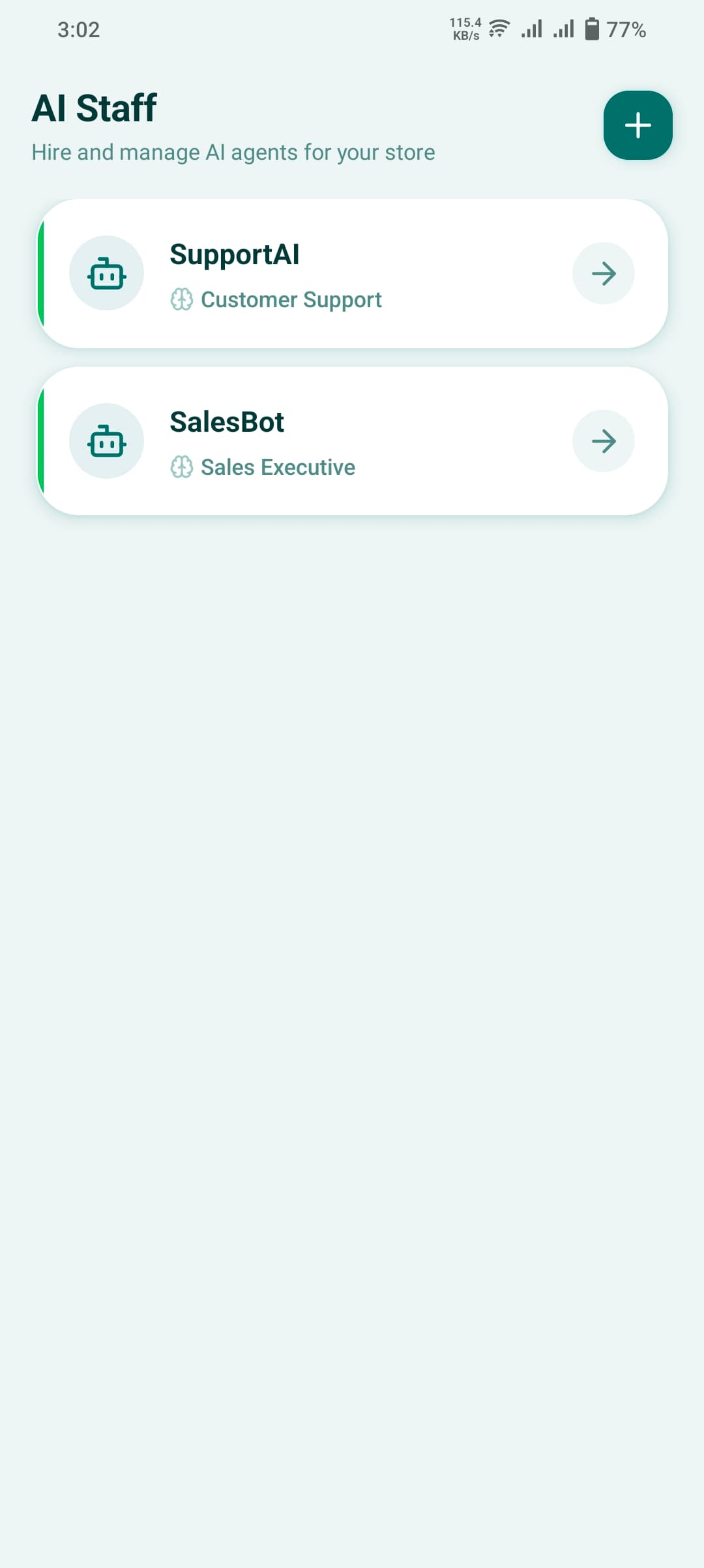
Go to AI Employees and create your first AI agent. Give it a name, assign it a WhatsApp channel, set its persona and language, and let it handle customer queries 24/7.
- Create AI Employee profiles with custom names & personas
- Assign to specific WhatsApp, FB, or IG channels
- Set language — Multilingual support for all languages
- AI handles catalog queries, lead qualification, and draft orders
- Human staff can take over any conversation at any time
- Full AI chat history and session logs available
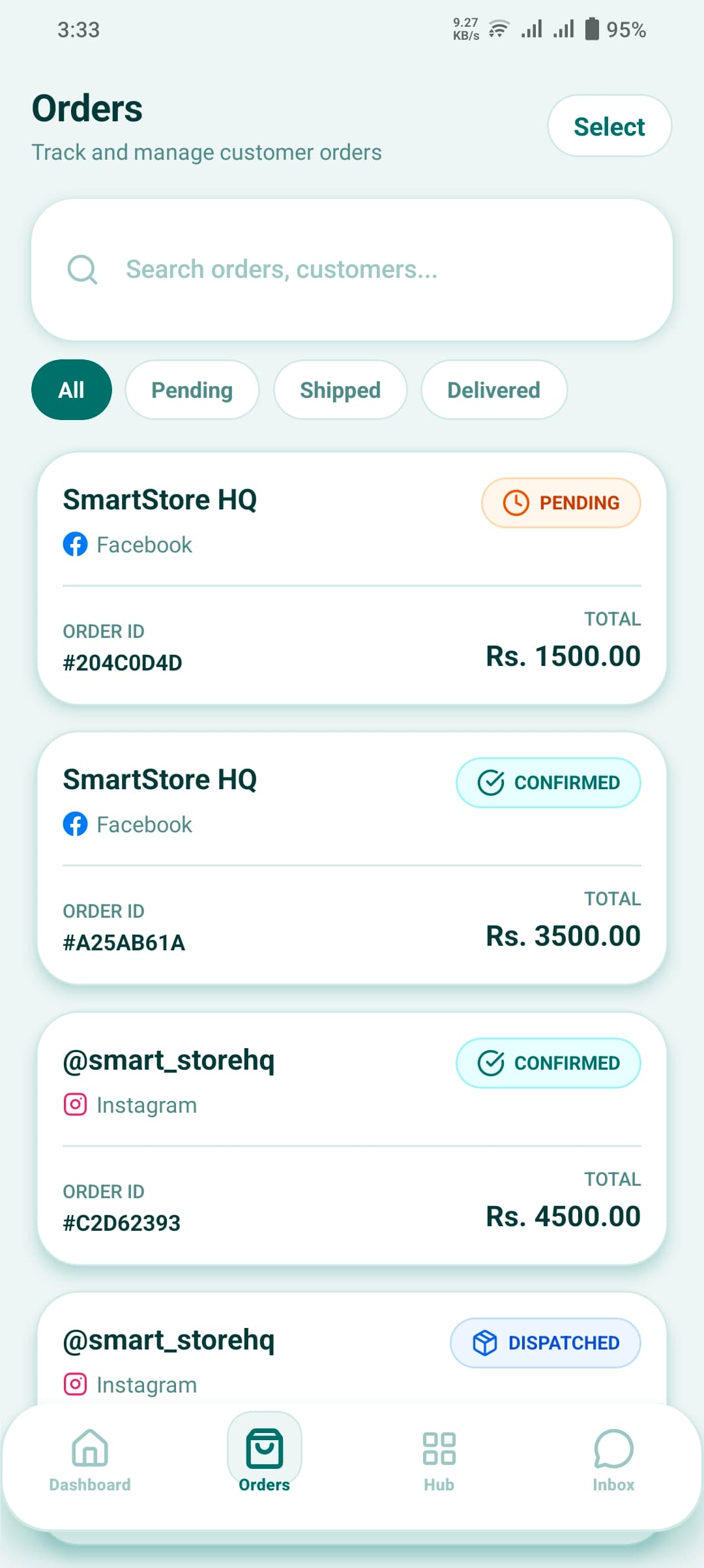
Manage Orders & POS
Start receiving and creating orders from the Orders tab. Use the built-in POS for in-store counter billing with barcode scanning, split payments, and instant receipt printing.
- Create manual orders or receive them from social channels
- Fast counter POS with barcode scanner support
- Split payments (cash + card)
- Offline mode — works without internet
- Track order status: Pending → Confirmed → Fulfilled
- Handle returns, refunds, and exchanges
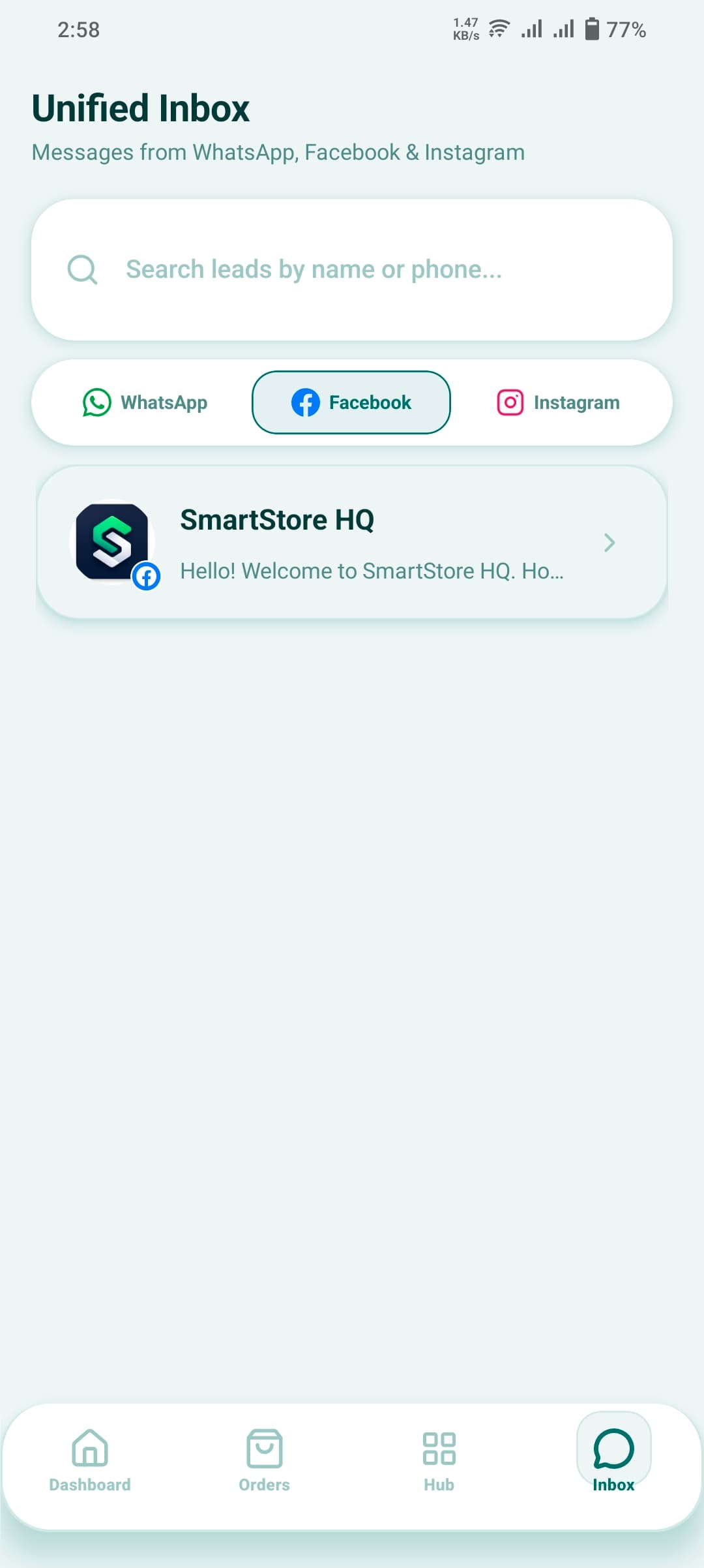
Reply from the Unified Inbox
The Inbox brings all WhatsApp, Facebook Messenger, and Instagram DM conversations into one screen. Assign chats to staff, view customer order history, and send payment links directly from a chat.
- All Meta channels in one inbox — no app switching
- See full customer profile and order history in-chat
- Send payment links via WhatsApp directly
- Assign conversations to specific staff members
- Mark leads as customers when they convert
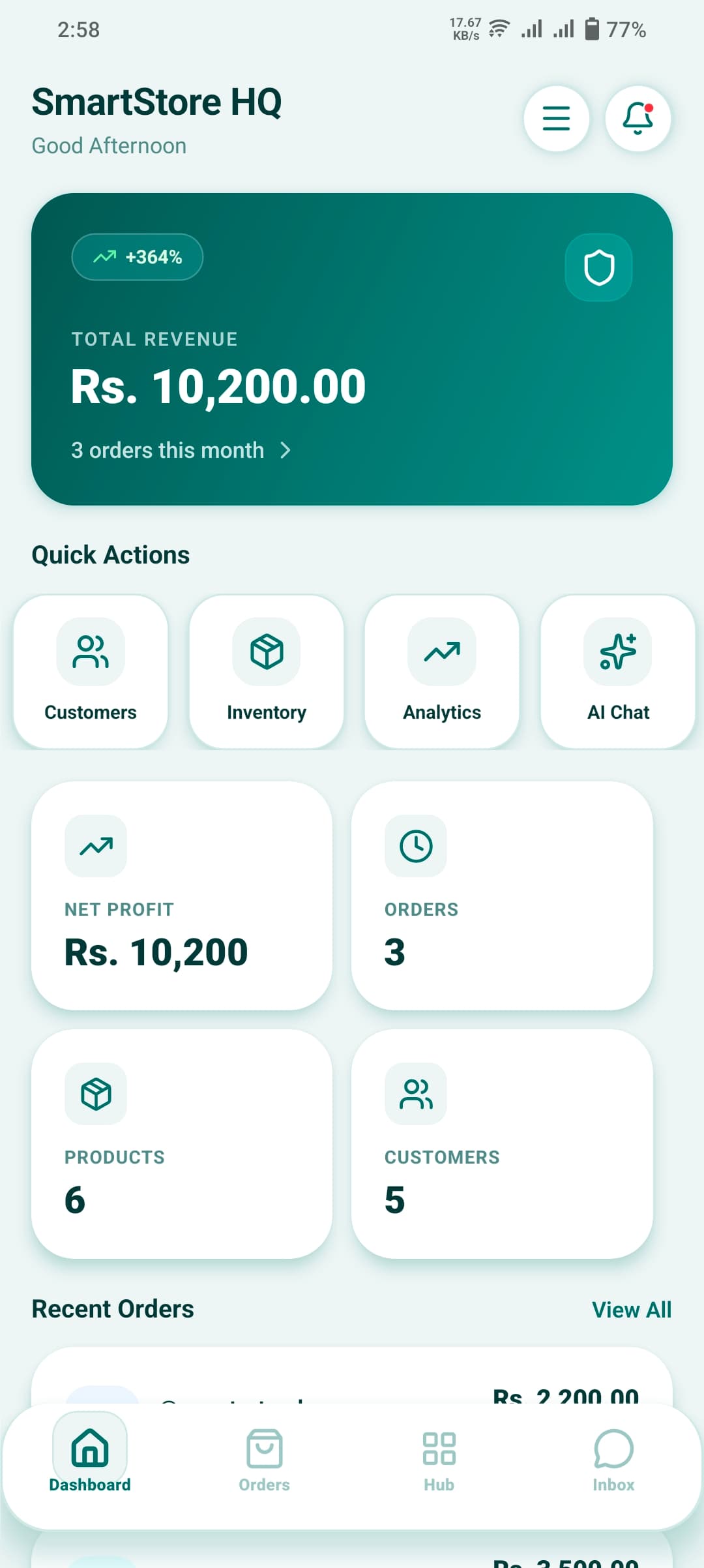
Monitor Your Dashboard & Analytics
The Dashboard gives you a real-time overview of your business — revenue, order counts, top products, and growth trends. Use Analytics for deeper reports on staff performance, inventory movement, and sales.
- Real-time revenue and order count on the dashboard
- Top products and categories by sales volume
- Staff performance and attendance reports
- Inventory movement and stock valuation reports
- Social media post performance tracking
Advanced Configurations
Once your core setup is done, unlock these powerful modules to run a complete enterprise operation.
Staff & Roles
Add staff members, assign them roles (Manager, Cashier, etc.), and control which screens and branches they can access.
Security & IAM
Enable MFA, review active sessions, set up Passkeys, and audit all staff activity with full immutable logs.
Social Media Posting
Create posts with images/videos and publish simultaneously to your Facebook Page and Instagram from one screen.
Restaurant Mode
Map your floor plan (dining tables), set up kitchen stations (KDS), create modifier groups, and manage dine-in orders.
Purchase Orders
Raise purchase requests, issue POs to suppliers, receive goods with GRN, and auto-update inventory on receipt.
Marketplace Selling
List your products on the built-in marketplace, manage seller wallet, track commissions, and handle customer reviews.
Ready to Go Live?
Create your account and have your store, inventory, and social inbox running within minutes.
Plans from $39/month Instant activation Cancel anytime